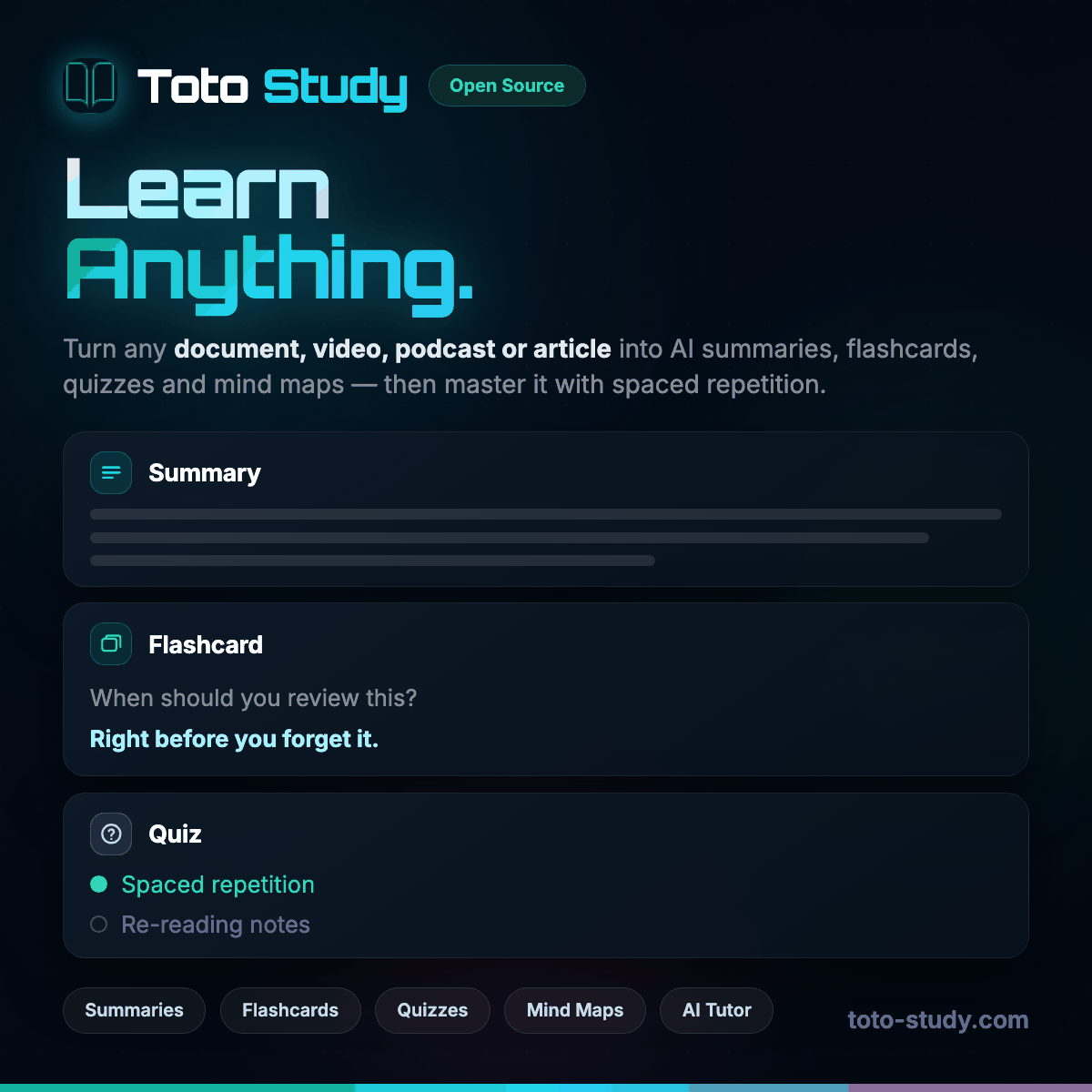
Stop typing flashcards by hand. Upload a PDF, a Word document, lecture slides or a video link and Toto Study writes question and answer flashcards from the material itself, ready to review straight away.
Cards come from the document or transcript you added, not from a generic question bank, so they match what your course actually covers. Each set stays linked to its source, which makes it easy to go back and check the context.
Every card is scheduled with FSRS, a modern spaced repetition algorithm. Rate each card Again, Hard, Good or Easy and the next review lands just before you would forget it, so you spend time on the cards you need and less on the ones you know.
PDF, Word, PowerPoint, Excel, EPUB, Markdown, scanned images with OCR, YouTube and other video sites, podcast episodes and web articles all work. If you can read it or watch it, you can make flashcards from it.
Your decks sync between the web app and the mobile apps, and flashcards are cached for offline review, so a bus ride or a gap between lectures is enough for a quick session.
Toto Study is free to start. You connect your own AI provider key, which is sent with each request and never stored on our servers.
Yes. Upload the PDF and ask for flashcards. Text-based PDFs work directly and scanned pages are read with OCR.
Yes. Every card can be edited, deleted or added to before and after you start studying.
Create a free Toto Study account or see everything Toto Study does.